
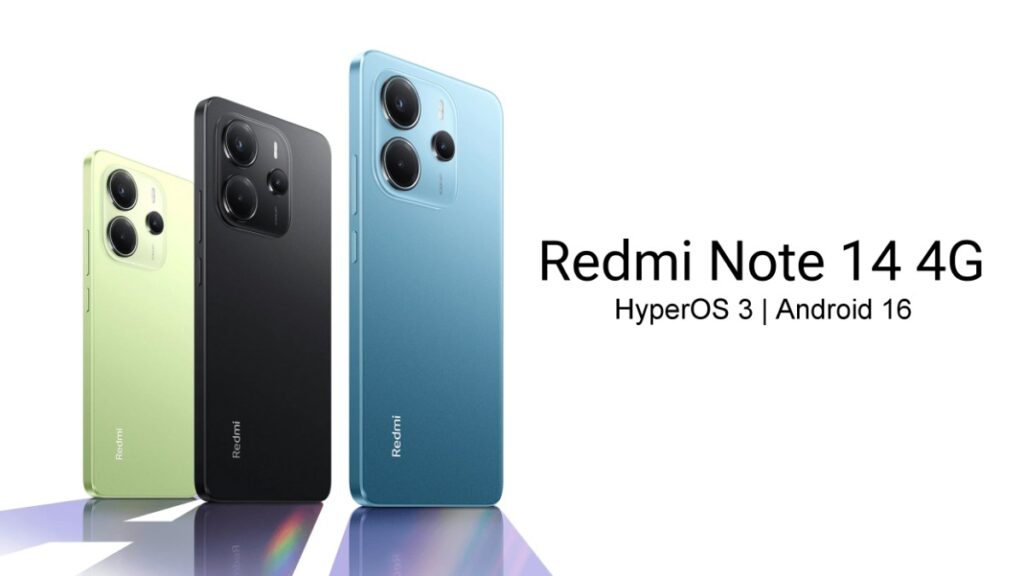
Redmi has started rolling out the HyperOS 3 update based on Android 16 for Redmi Note 14 4G users. This update has been rolled out for global users. This will be a major update that will bring many changes to the device. So, let’s find out what new features you’ll see after installing this HyperOS 3 update on your device and when it will be available to all users.
Xiaomi has recently officially rolled out a major update to HyperOS 3 based on Android 16 for Redmi Note 14 4G global users. This update will introduce several new features to the device. It will be available not only for global users but also for the Indian region in a few days.
Redmi Note 14 4G gets HyperOS 3
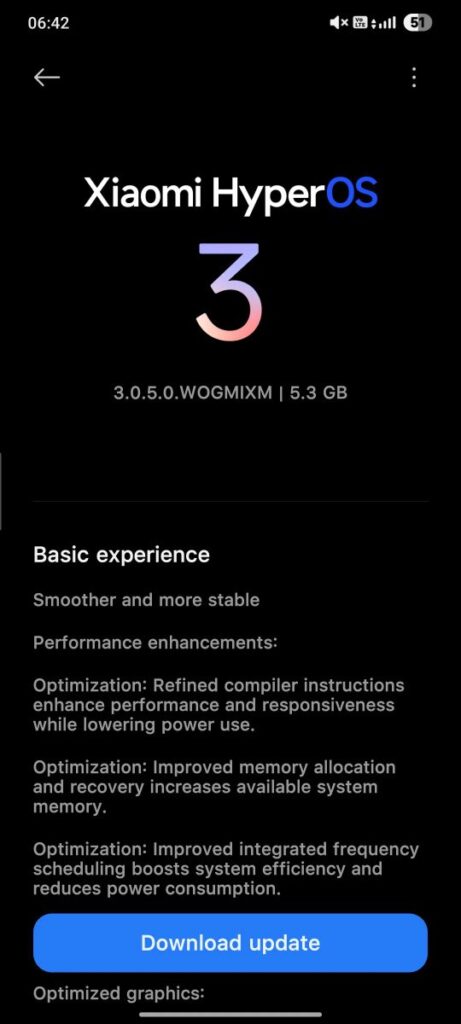
The version number of the update is 3.0.5.0.WOGMIXM. It will be available in a file size of approximately 5.3 GB. Since this is a major update, the file size is relatively large. Users are advised to use a stable Wi-Fi connection while downloading. The update is currently rolling out in stages and is expected to reach more users gradually.
Redmi Note 14 4G HyperOS 3 Features
After installing this update, new customizations will be visible in HyperIsland. This means more apps access notification support on HyperIsland. Many new AI features will be seen here. New wallpapers and AOD options will also be available in the wallpaper area. Not only this, the notification bar will also see a change in the look, which has a premium feel.
This time, the look of the app icons has also been changed. A glass effect will be visible here, but this will be supported only in higher variants. The overall animation of the device has become much smoother, providing an even better experience for users during daily use.
How to Install?
Be sure to back up your device before installing this update, as this is a major update. To manually check for this update, go to Settings → System Update and check for updates manually. If you’ve installed this update and are experiencing heating and lagging issues, don’t worry. This is normal after installing such updates, but it will automatically resolve within two to three days once the update is optimized.
Also Read: Realme P4 5G gets Realme UI 7 Optimizing Update: Bug Fixes, Performance Improvements