
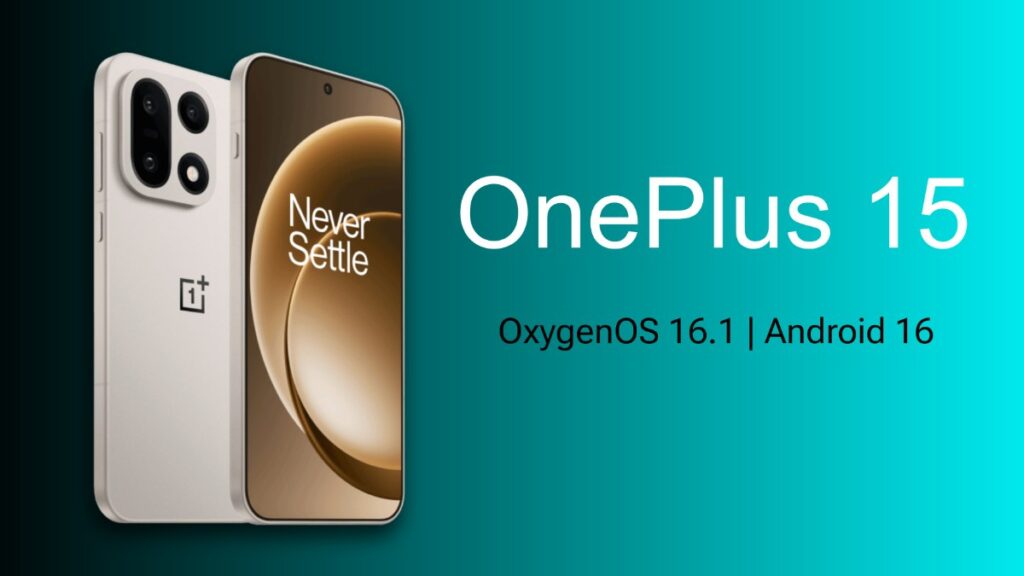
OnePlus has started rolling out the OxygenOS 16.1 update for OnePlus 15 in India. If your phone’s model number is CPH2745, you will see “Update available” by going to Settings – Software update. This will be the first major software update since the launch of OxygenOS 16. It basically makes the lock screen and Live Alerts smarter and more beautiful.
What’s New in OxygenOS 16.1
The biggest attraction of this update is the new lock screen experience, which OnePlus has named “Uniquely Yours”. Now, if you swipe down on the lock screen and pull down the notifications and Live Alerts, everything turns into small beautiful capsules. If you swipe up again, the full list returns. The phone’s animations have been smoothed out a lot, making it easier to control.
The update is also very well integrated with music and productivity. Tapping on the album art or Live Alert capsule of music while on the lock screen instantly activates Music Focus Mode. The album art is displayed across the entire screen, full-screen lyrics are now easier to view. The music player controls can be managed smoothly without unlocking the phone. At the same time, timers and reminders can be controlled from the lock screen.
Tapping on any timer in Live Alert can be paused, resumed, or dismissed – no need to unlock the phone. These small but very useful features have made everyday use much easier and more fun.
Under-the-Hood Improvements
A number of small but important changes have been made to OxygenOS 16.1 beyond the lock screen. Animations have become smoother throughout the user interface, and switching between Live Space capsules is now much faster. System stability and battery management have also been improved. The latest security patches have also been added, making your device more secure and efficient.
OnePlus 15 OxygenOS 16.1 Update Details
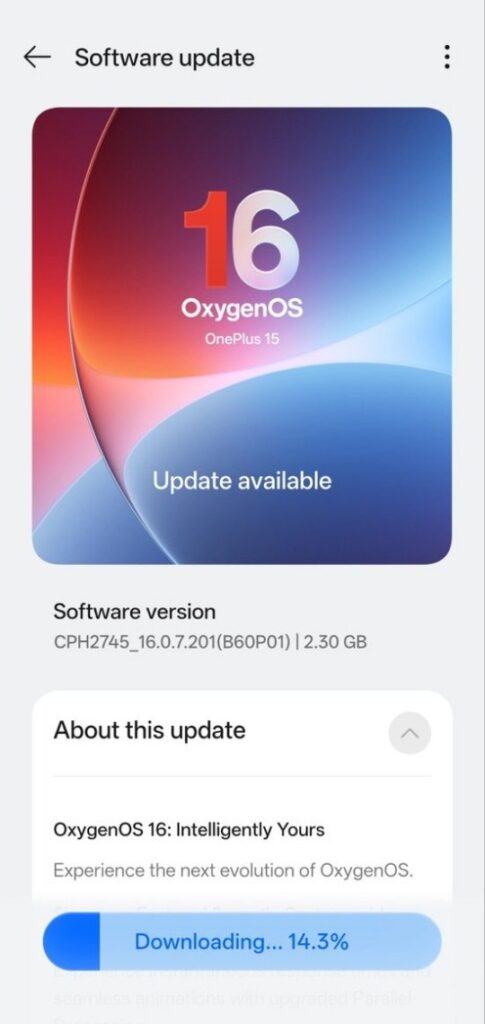
Although the update has been rolled out for Indian users, it will not be available to everyone at once, it will take some time to roll out across India. The build number is CPH2745_16.0.7.201(B60P01) and Total size of 2.30GB. If you haven’t received the notification yet, you should get it in the next few days. If you want, you can check manually by going to Settings → About device → Software update.
How to Install Safely?
Before installing the update, take a full backup of your phone. Keep the phone charged at least 50% or connect it to the charger. Leave at least 4-5 GB of storage free. Now if the update has arrived on your phone, you can install it. Wait 10-15 minutes after installation so that the phone can optimize itself properly. After installation, the phone may overheat or feel a little laggy for a while, but this is automatically fixed with optimization.
Final Thoughts
OxygenOS 16.1 is not a major redesign, but it is the kind of quality-of-life update that OnePlus users love the most. The new Live Alerts system, Music Focus Mode, and lock screen features make the OnePlus 15 more personal and enjoyable.
If you have already received the OxygenOS 16.1 update, let us know how your experience was in the comments. Also Read: Redmi Note 15 5G Gets HyperOS 3.1 Global Update (3.0.301.0.WPQMIXM) – Partial Global Rollout