
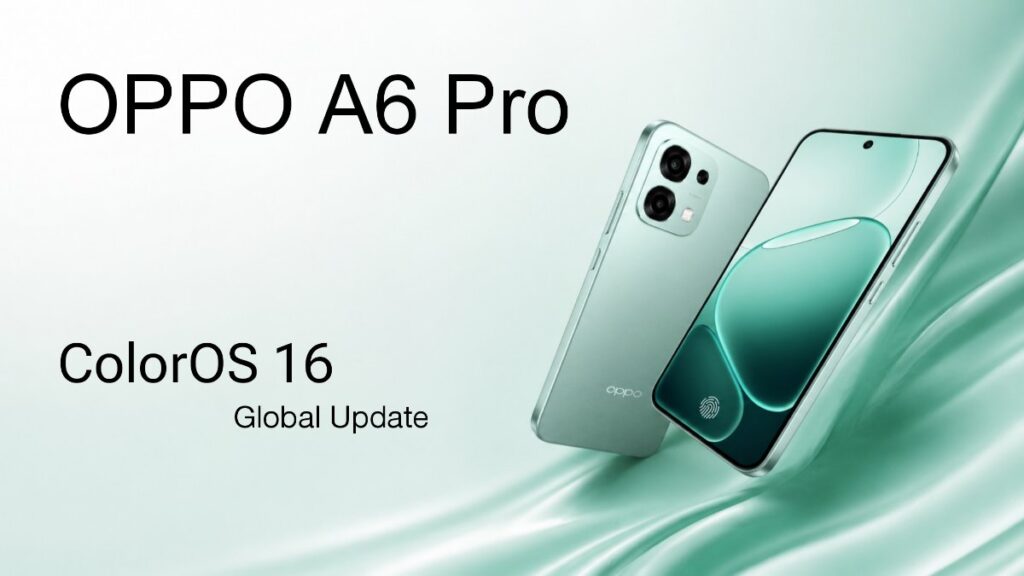
A OPPO has started rolling out the new ColorOS 16.0.7.201 update globally for the OPPO A6 Pro. The update introduces several performance improvements along with OPPO’s new Luminous Rendering Engine, which is designed to make animations and overall system responsiveness smoother.
OPPO A6 Pro ColorOS 16 Update Details
The full version number of the update is CPH2799_16.0.7.201(EX01) and the file size is around 3.57 GB. This is the Global version (the EX01 code indicates this), so users in many countries including India, Bangladesh, and Europe are now receiving it. It hasn’t been fully rolled out yet, so some people haven’t received the notification yet.
What’s New in This Update
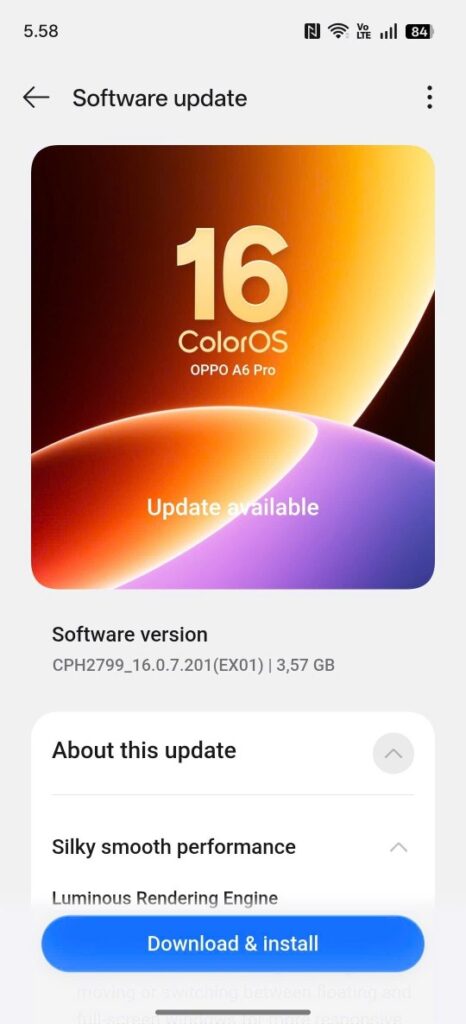
The biggest highlight is the Luminous Rendering Engine. OPPO has redesigned this engine so that animations, scrolling, app switching are all silky smooth. Compared to the previous ColorOS 15, the phone will now look much more responsive – everything will run without any jarring or lag. The “Silky smooth performance” that is seen in the screenshot is precisely because of this Luminous Rendering Engine.
There are also general performance optimizations, battery efficiency, and minor bug fixes. This type of update is very useful for mid-range phones like the A6 Pro, as it provides better integration of hardware with software.
How to Download and Install
If you have received an update notification on your phone, then tap the Download & Install button directly. If not, go to Settings > Software Update and check manually.
Important Tips:
- Take a full backup before downloading the update (photos, videos, contacts, everything).
- Be sure to be on Wi-Fi and keep your phone charged (at least 50% charge).
- After the update, the phone may heat up for a while and optimization will run in the background – this is normal. Leave it on charge for a few hours.
Some early users have reported smoother scrolling and faster app transitions after installing the update. Although actual performance may vary depending on device usage. Also Read: Samsung One UI 9 Eligible Devices List: Galaxy S26, S25, Z Fold 8 & More
If the ColorOS 16 update has already arrived on your OPPO A6 Pro and you’ve installed it, then it may take a little time for the phone to fully optimize in the background. As with most major software updates, battery performance and overall smoothness usually become more stable after a few days of usage. Some users have already reported smoother animations and better scrolling performance after the update. If you’ve installed it, you can monitor battery usage and app stability for a few days and see how the experience changes in real-world use.